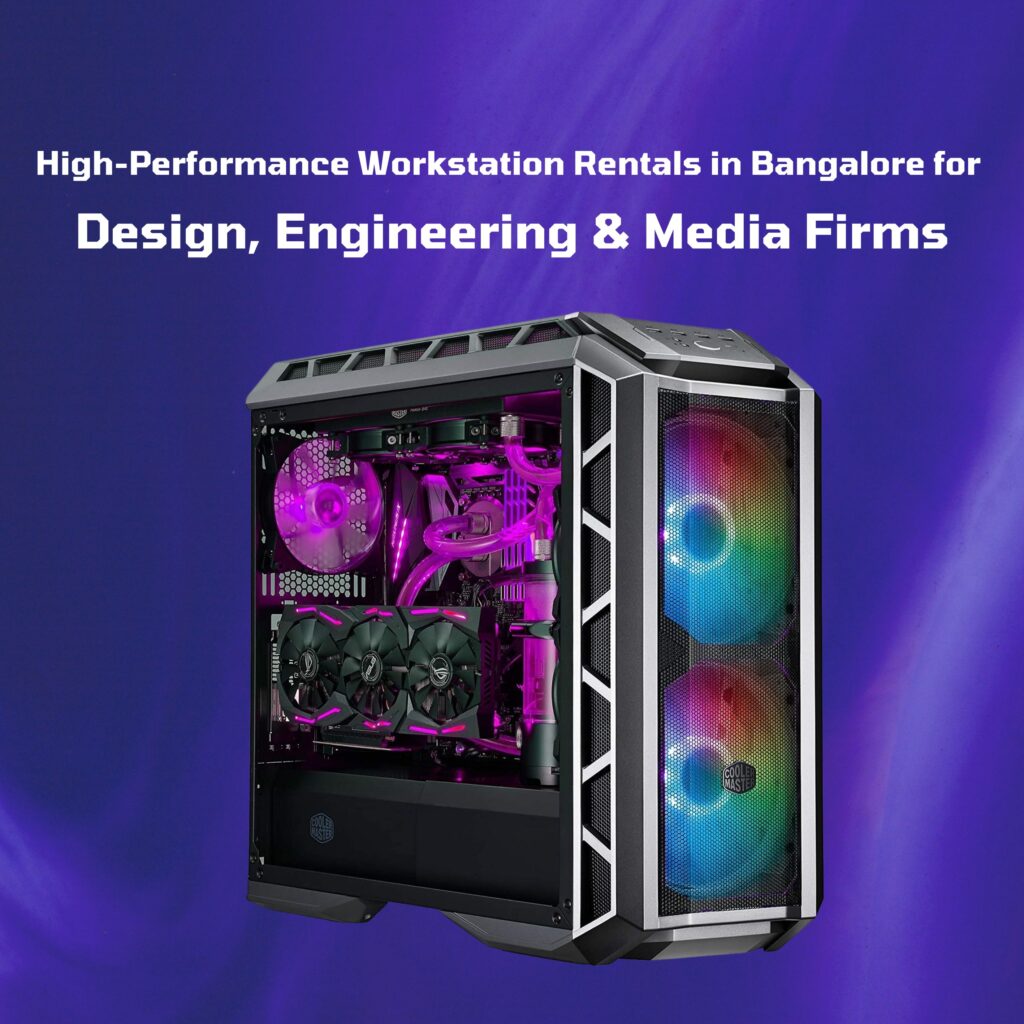
High-Performance Workstation Rentals in Bangalore for Design, Engineering & Media Firms
Introduction
In today’s fast-paced and competitive industries, especially in Bangalore’s tech and creative sectors, having the right hardware can make the difference between meeting deadlines and missing them. Architects, engineers, graphic designers, animators, and media professionals all depend on computing power that goes far beyond what a typical office laptop can deliver.
High-performance workstations are purpose-built for these demanding environments. But buying them outright is expensive and can lock your capital into fast-depreciating assets. That’s where workstation rentals in Bangalore come in—giving you access to top-tier machines for as long as you need them, without the commitment of ownership.
What Is a High-Performance Workstation?
A workstation is a specialized, professional-grade computer designed for handling heavy workloads like 3D rendering, CAD design, scientific simulations, and high-resolution video editing.
Key differentiators from regular PCs:
- Processors: Multi-core CPUs such as Intel Xeon or AMD Threadripper, designed for parallel processing.
- Memory: ECC (Error-Correcting Code) RAM for stability and data integrity during critical computations.
- Graphics: Professional GPUs like NVIDIA Quadro or AMD Radeon Pro for rendering and visualization accuracy.
- Storage: NVMe SSDs for faster load times, often paired with large HDDs for bulk storage.
- Build Quality: Enhanced cooling systems, workstation-grade motherboards, and reliability for 24/7 operations.
Industries That Benefit from Workstation Rentals
- Architectural & Engineering Firms
- Use CAD software like AutoCAD, Revit, SolidWorks.
- Need high GPU/CPU performance for real-time rendering and simulations.
- Example: A Bangalore-based construction consultancy used rented workstations to run complex load simulations for a metro project, avoiding a ₹10 lakh purchase.
- Media Production & VFX Studios
- Heavy workloads in Adobe After Effects, DaVinci Resolve, Maya, and Blender.
- Smooth 4K/8K editing and rapid rendering reduce post-production delays.
- Example: A local animation house rented six RTX A5000 workstations for a film project, completing renders 40% faster.
- Graphic Design & Advertising Agencies
- Large file manipulation in Photoshop and Illustrator.
- Multiple monitors and color-calibrated workflows for print accuracy.
- Data Science, AI & Research Labs
- GPU-accelerated training for deep learning models.
- High RAM capacity for big data analytics.
- Example: An AI startup used workstation rentals to process medical image datasets for diagnostics without purchasing permanent systems.
- Gaming Development & Testing
- Game build testing with consistently high FPS.
- Perfect for beta testing and live esports events.
Why Rent a Workstation Instead of Buying?
- Financial Flexibility
Buying a high-end workstation can cost anywhere from ₹2 lakh to ₹10 lakh, depending on the configuration. Renting eliminates large upfront costs, freeing up capital for other operational needs.
- Project-Specific Usage
Why own when you only need it for three months? Rentals fit temporary project timelines perfectly.
- Stay Ahead Technologically
Avoid hardware obsolescence—rental providers regularly refresh their inventories.
- Maintenance-Free Operation
No extra cost for repairs, replacements, or part upgrades—your provider handles it all.
- Scalable Solutions
Easily scale from 1 to 50 units for events or large projects.
How to Choose the Right Workstation for Your Needs
Selecting the incorrect configuration can result in project delays and performance bottlenecks. Here’s a quick guide to selecting the best-fit rental workstation:
- Identify Your Primary Applications
- CAD, video editing, AI model training, or gaming all require different hardware balances.
- Example: CAD and rendering software benefit from high CPU clock speeds, while AI workloads need powerful GPUs.
- Consider Processor Type
- Intel Xeon and AMD Threadripper are excellent for multi-threaded workloads.
- High clock-speed i7/i9 or Ryzen CPUs are better for lightly threaded but high-speed tasks.
- Choose the Right GPU
- NVIDIA Quadro/RTX A series for professional 3D rendering.
- NVIDIA GeForce RTX for gaming and high-performance visualization.
- RAM Requirements
- 32 GB for standard design work.
- 64–128 GB for large datasets or advanced rendering.
- Storage Options
- NVMe SSD for OS and applications.
- Additional HDD or SSD for storing project files.
- Form Factor
- Tower setups for maximum expandability.
- Compact cases for space-constrained environments.
Sample Rental Configurations
Basic CAD Workstation
- Intel Xeon E-2146G, 32 GB ECC RAM, Quadro P2200, 512 GB NVMe SSD.
Advanced Rendering Workstation
- AMD Threadripper PRO 3975WX (32 cores), 64 GB ECC RAM, NVIDIA RTX A5000, dual 1 TB NVMe SSD.
AI/ML Workstation
- Intel Xeon Gold 6226R, 128 GB ECC RAM, dual NVIDIA RTX 6000 GPUs, Ubuntu Linux. Complementary Rentals
Enhance workstation efficiency by renting:
- 4K Professional Monitors
- High-Speed NAS or External SSDs
- UPS Units for Power Stability
- Networking Equipment for Team Collaboration
Why Choose a Local Bangalore Provider
- Faster Response: Same-day delivery and setup.
- Local Support: Technicians are available for troubleshooting.
- Cost-Effective Logistics: No long-distance freight costs.
FAQs – Workstation Rentals in Bangalore
Q1: Can I rent a workstation for just one day?
Yes, short-term rentals are available, especially for events or urgent deadlines.
Q2: Can I request a specific GPU or CPU?
Most providers allow custom configurations to match your software requirements.
Q3: Is software included in the rental?
Typically, rentals come with the OS installed; specialized software must be licensed by the client.
Q4: Do you offer bulk workstation rentals?
Yes, multiple units can be delivered and set up for corporate or training use.
Q5: What happens if the workstation fails during the rental period?
Providers usually offer quick replacements or repairs at no extra cost.
Conclusion
In sectors where speed, accuracy, and performance determine success, high-performance workstation rentals in Bangalore offer a smart alternative to ownership. Whether it’s a 3D animation studio, an engineering project, or AI research, renting ensures you get the best hardware, on demand, without draining your capital.
Need powerful workstations for your next project?
Contact Guru Goutam Infotech for a customized quote and same-day delivery anywhere in Bangalore.