Desktops vs Laptops: Which One Actually Makes Sense to Rent for Your Office
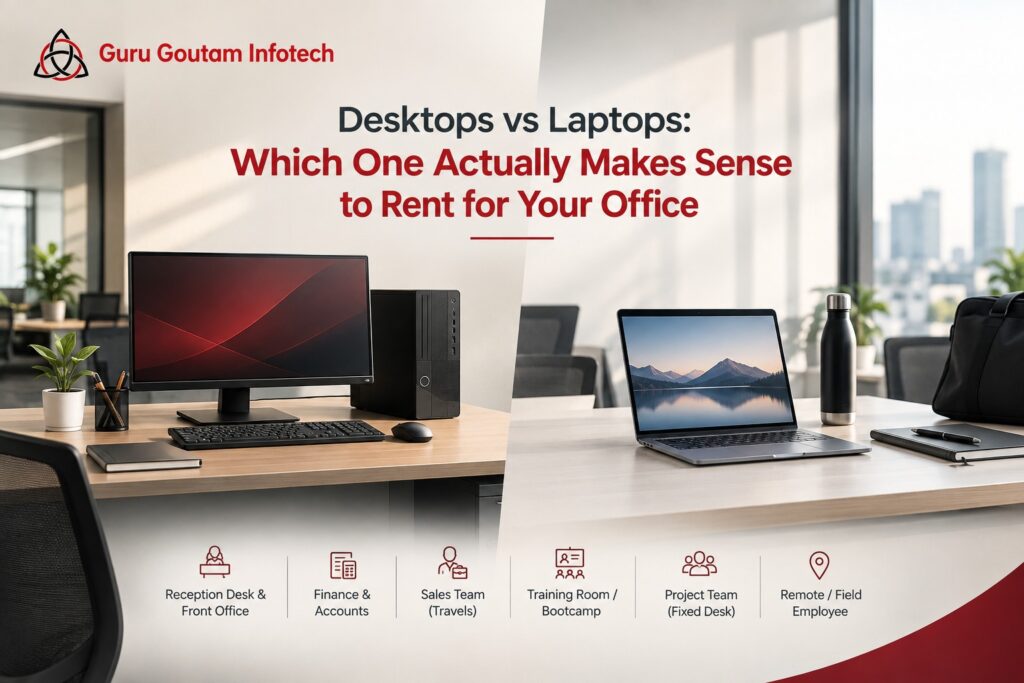
Ask most procurement teams what to rent for a new hire, and the default answer comes back almost automatically: a laptop. It is portable, it looks modern, and nobody wants to be the department still handing out desktops in a laptop-first world. The trouble is that this default gets applied to roles where it makes little sense, quietly costing businesses more than they need to spend for capability nobody in that seat actually uses.
The better question is not “which one is more modern.” It is “which one actually fits the role.” Here is how that plays out across the desks that show up in almost every office.
The Reception Desk and Front Office
This is the clearest case for a desktop, and also the one most often overridden by habit. A receptionist or front-desk employee works from one fixed location, all day, every day. There is no meeting to carry a laptop into, no client site to visit. A desktop delivers stronger performance for the rental cost, and it removes a genuine security concern too, a laptop sitting at an unattended front desk is a far easier target to walk off with than a desktop tower tucked under a table.
The Finance and Accounts Team
Finance work is heavy on spreadsheets, reconciliation software, and sometimes accounting tools that benefit from a larger, dual-monitor setup. Unless someone on the finance team specifically needs to travel for audits or client visits, a desktop with a proper dual-screen arrangement will usually outperform a laptop at a similar rental cost, and it is far more comfortable for a role that spends eight hours a day staring at line items.
The Sales Team That Actually Travels
Here, the calculus flips completely. A field sales employee visiting client offices, running demos on-site, or working from a different location every other day genuinely needs the portability a laptop provides. Renting a desktop for this role would be a mistake in the opposite direction, optimizing for cost over the mobility the job actually requires. This is the one role where “laptop by default” is usually the right default, not just the convenient one.
The Training Room or Bootcamp Batch
Training sessions create an interesting middle case. If the room hosts the same fixed batch structure every time, with participants arriving, sitting at an assigned seat, and leaving at the end of the session, desktops set up permanently in the room are often more practical and less prone to cable and charger issues than juggling a fleet of laptops that need to be distributed and collected each time. If the training format is more flexible, with participants needing to carry the device to different exercises or breakout areas, laptops make more sense.
The Project Team With a Fixed Desk
A project team working from the same office for the duration of an engagement, without needing to travel, sits closer to the reception and finance cases than the sales case. Unless the work specifically requires mobility, whether presenting at client sites or working across multiple locations, a desktop setup often provides better performance per rupee spent, with the added benefit of easier IT management since the machines are not moving around the building or leaving the premises.
The Remote or Occasional Field Employee
For anyone splitting time between home and office, or occasionally working from a client location, a laptop remains the practical choice, simply because a desktop cannot follow them. This is really the only scenario, alongside active field sales, where portability outweighs raw performance and cost efficiency.
What Happens When Businesses Get This Backwards
The cost of defaulting to laptops everywhere rarely shows up as a single large number. It shows up as a slightly higher rental bill every month, quietly repeated across every fixed-desk role in the building. A twenty-person office with twelve fixed-desk employees on laptops instead of desktops is not overspending dramatically on any one machine. It is overspending consistently, month after month, on mobility that never gets used.
The reverse mistake is rarer but more disruptive when it happens. A sales team equipped with desktops because “it was cheaper” ends up unable to demo a product on-site or work from a client’s office, which tends to cost far more in lost deals than it ever saved in rental fees.
The Pattern Worth Noticing
Across all of these roles, one distinction does most of the work: does this role need to move, or does it need to perform consistently from one place? Roles that move genuinely benefit from a laptop’s portability. Roles that stay put are usually better served, and more cost-effectively equipped, by a desktop.
The mistake most businesses make is not choosing the wrong device outright. It is defaulting to laptops for every role without asking the question at all, treating portability as a universal requirement rather than a specific one. A twenty-person office equipping every seat with a laptop, when twelve of those seats never leave the building, is paying a mobility premium for a feature nobody at those twelve desks will ever use.
Before finalizing an equipment request, it helps to ask two questions about the role, not the department. Does this person need to work from more than one physical location during a normal week? And would losing the ability to move the device around actually disrupt how they do their job? If the answer to both is no, a desktop is very likely the more sensible, and more cost-efficient, choice.
Portability is genuinely valuable, for the roles that need it. For the ones that don’t, it is simply an extra cost attached to a feature that will sit unused at the same desk, every single day.